

Setting your personal preferences
To change your personal preferences, click "Settings" under your workspace name in the top left:
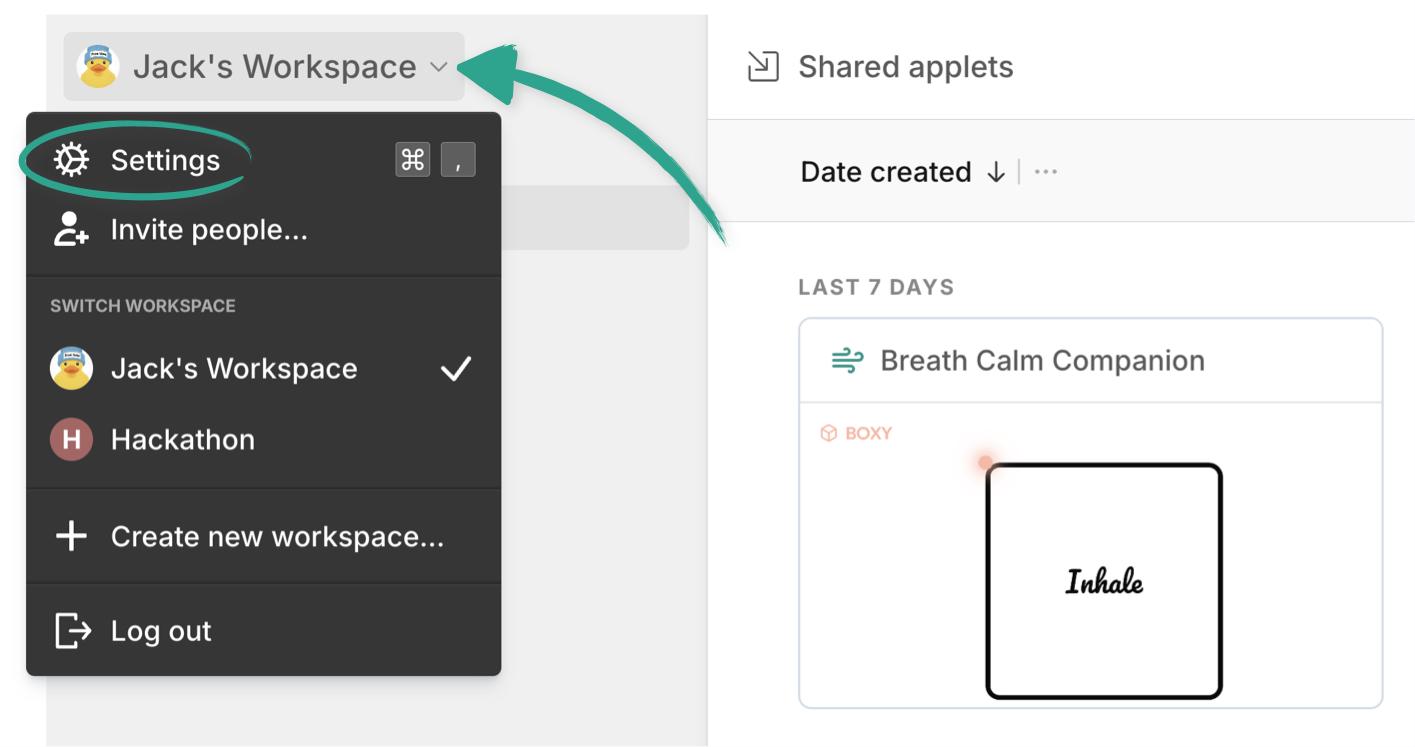
Or use the keyboard shortcut Command (or Ctrl) + , .
You can also get to any of the settings pages from the command menu with Command (or Ctrl) + K .
Applet defaults Copied! Link to this section
The first section controls your default experience when you’re building applets:
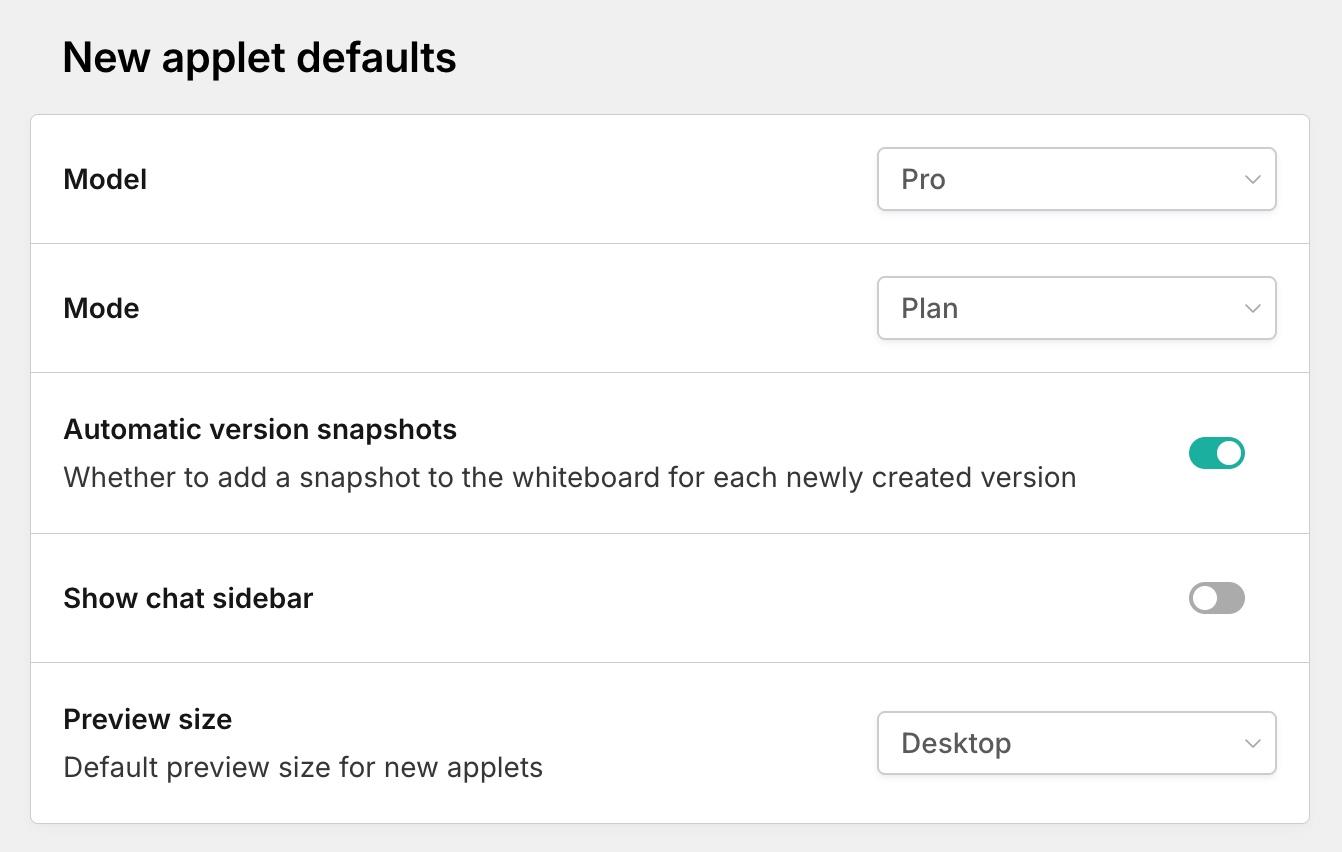
You can change:
- Default model - choose from Fast, Pro, or Max
- Default mode - Are you a planner first, or the jump in and build type?
- Automatic version snapshots - Do you want Applet to save a snapshot of each version and place it on the board for you?
- Choose to keep the board front and center, or show the chat sidebar
- What's the default preview size you'd like to see?
These are just defaults, and you can always change them in an applet build. 👌
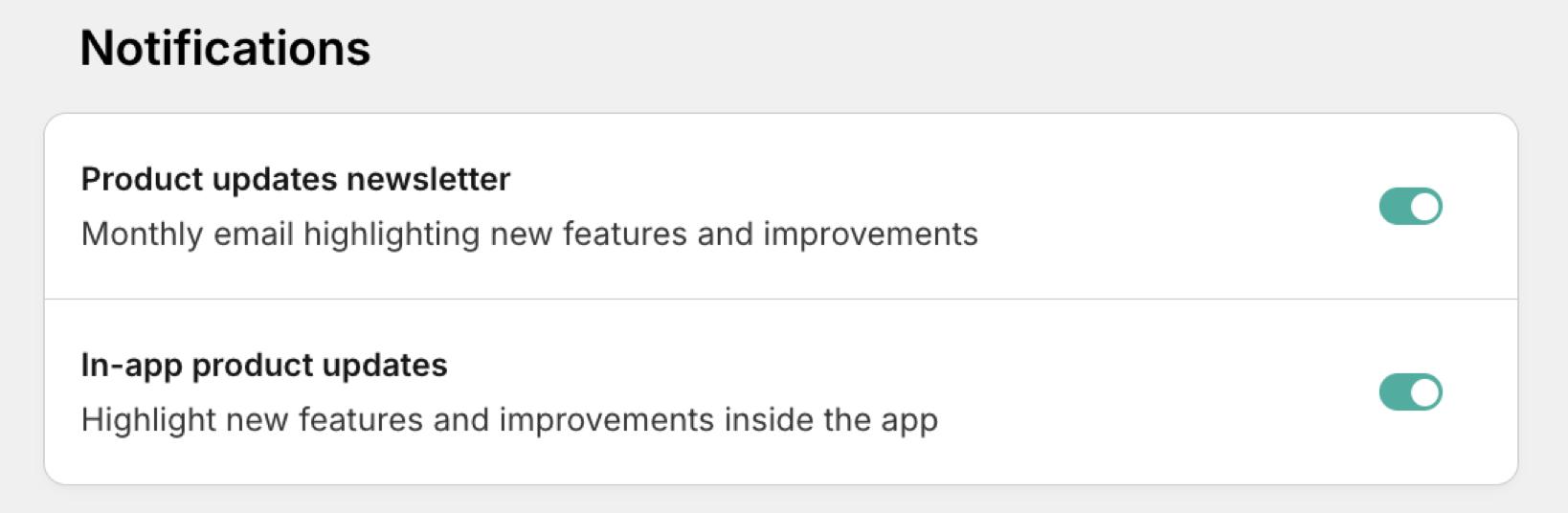
Notification settings Copied! Link to this section
Decide here if you’d like to receive our monthly product updates newsletter, or in-app product updates:
Your profile Copied! Link to this section
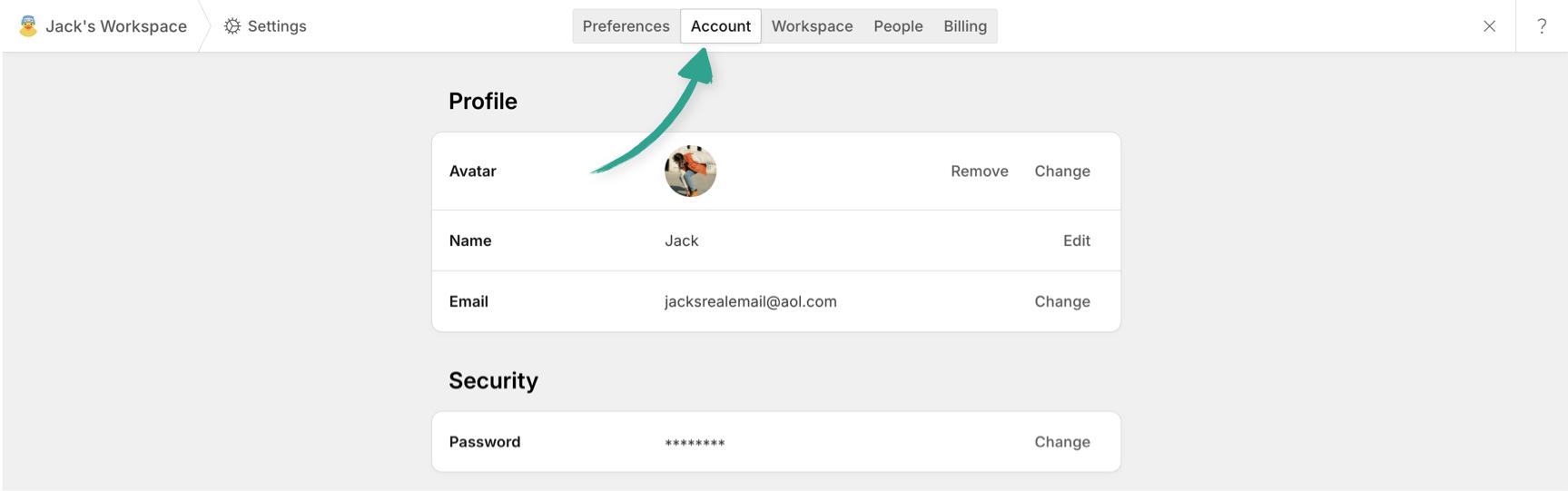
In the "Account" tab you’ll see all your profile info.
You can choose or change the avatar you use (we support animated GIFs too, so feel free to have some fun with it 😉 ), and your name, email address and password:
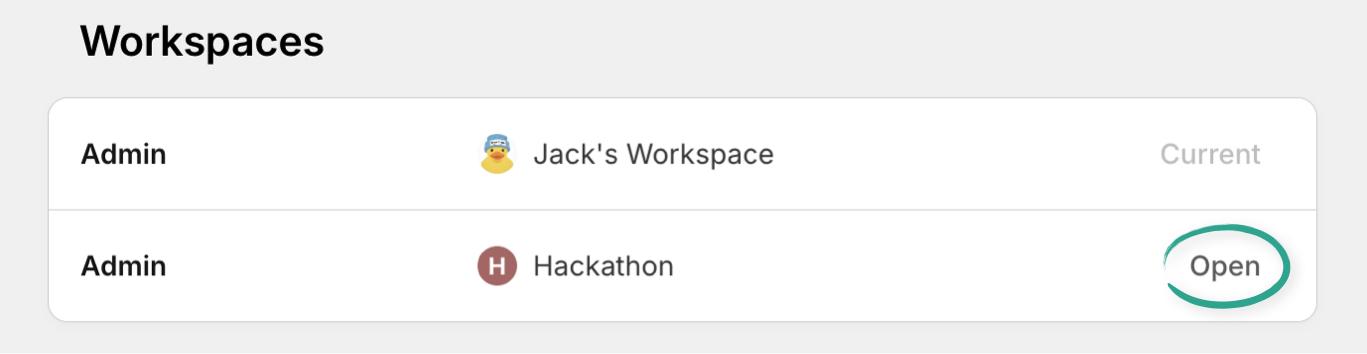
You’ll see a full list of the workspaces you’re in. Click "Open" to switch to another one:
And of course, the danger zone 😱 where you can delete your account, or leave any of your workspaces.
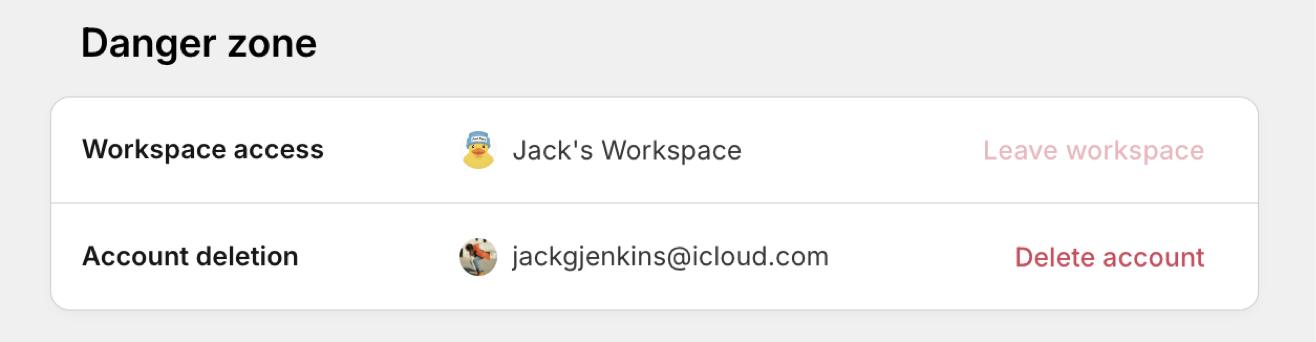
To leave a workspace where you’re the only admin, you will need to make someone else an admin first, which you can do from your workspace settings.